Meet Cleva,
The Mentor Inside Your
Creative Tools
Get real-time, voice-to-voice guidance inside your creative tools.
Keeping you creating, not searching.
Supported By







Guidance that feels human. Learning that feels natural.
Cleva blends deep software intelligence with a creator-first philosophy.
Showing you exactly what to do next, why it matters, and how to get better with every click.
Ask anything — at any moment. Cleva sees your canvas, timeline, layers, nodes, or viewport, understands what you’re trying to do, and guides you step-by-step with voice and visual cues.
Cleva doesn’t generate your art, it helps you create it.
No more Googling. No more pausing videos. No more breaking your creative flow.
Intelligence for every function.
Built to Fit In. Designed to Stand Out.

Design & Illustration
Master the fundamentals and advanced techniques behind digital design and illustration. Learn layering, masking, brushes, colour workflows, and composition — all directly inside tools like Photoshop and Illustrator.
Perfect for artists who want to grow their skills without losing creative momentum.


UI/UX & Product Design

Motion & Video

3D & VFX
Master the fundamentals and advanced techniques behind digital design and illustration. Learn layering, masking, brushes, colour workflows, and composition — all directly inside tools like Photoshop and Illustrator.
Perfect for artists who want to grow their skills without losing creative momentum.
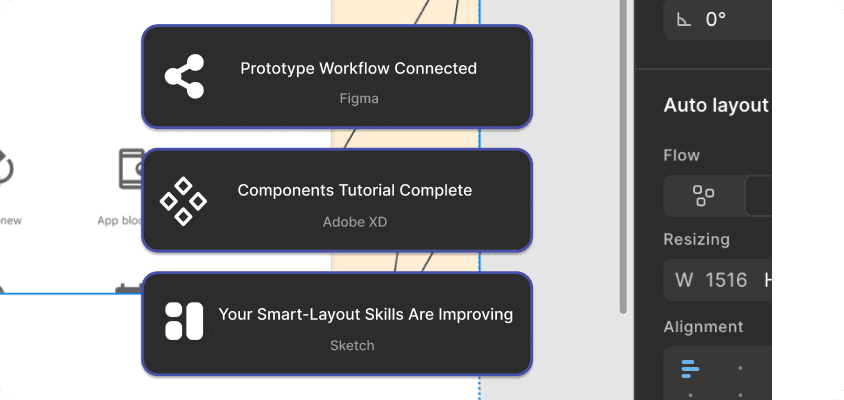


How Cleva Works

1. Download Cleva
A quick, lightweight application. No long setup. No plugins.

2. Choose Your Tools
Figma, Photoshop, Illustrator, Blender, Premiere Pro, After Effects and more — pick your creative weapon.

3. Start Creating
Create with confidence.
Our Philosophy
AI shouldn't replace creativity.
It should help creators learn, grow, and master their craft.
Cleva is a mentor, not a tool that takes over.
We don't generate your art.
We don't steal your style.
We don't skip the creative process.
We guide you so you can create with more skill, clarity, and confidence.
Why Creators Choose Cleva
Skill grows. Stress falls.
- •Learn complex tools faster
- •Stay in your creative flow
- •Avoid endless YouTube rabbit holes
- •Understand tools deeply, not superficially
- •Build real professional skills
- •Stop getting stuck on simple steps
- •Create with more confidence and less frustration
- •Focus on your art, not your menu navigation